Why Networking Apps Are a Texas-Sized Win
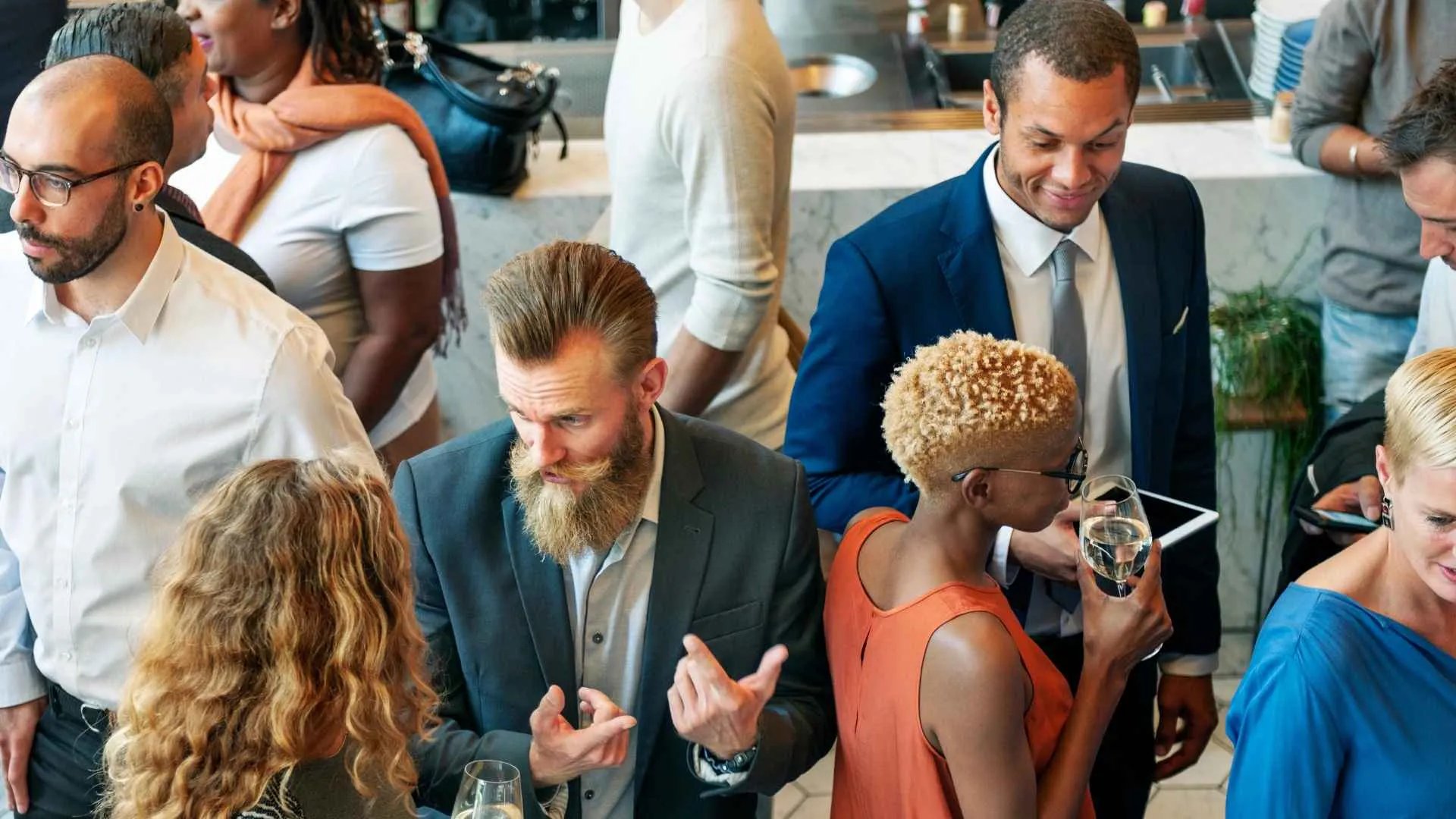
Ever been to a conference where you missed meeting the one person who could’ve changed your game? In Texas, where events in Austin’s tech hubs or Houston’s corporate scene draw massive crowds, a networking app is like a lasso, roping in connections that might slip away. These apps turn your conference into a buzzing hive of opportunity, making every handshake count. Let’s explore how to weave one into your Texas event like a pro.
Boosting Connections in Real Time
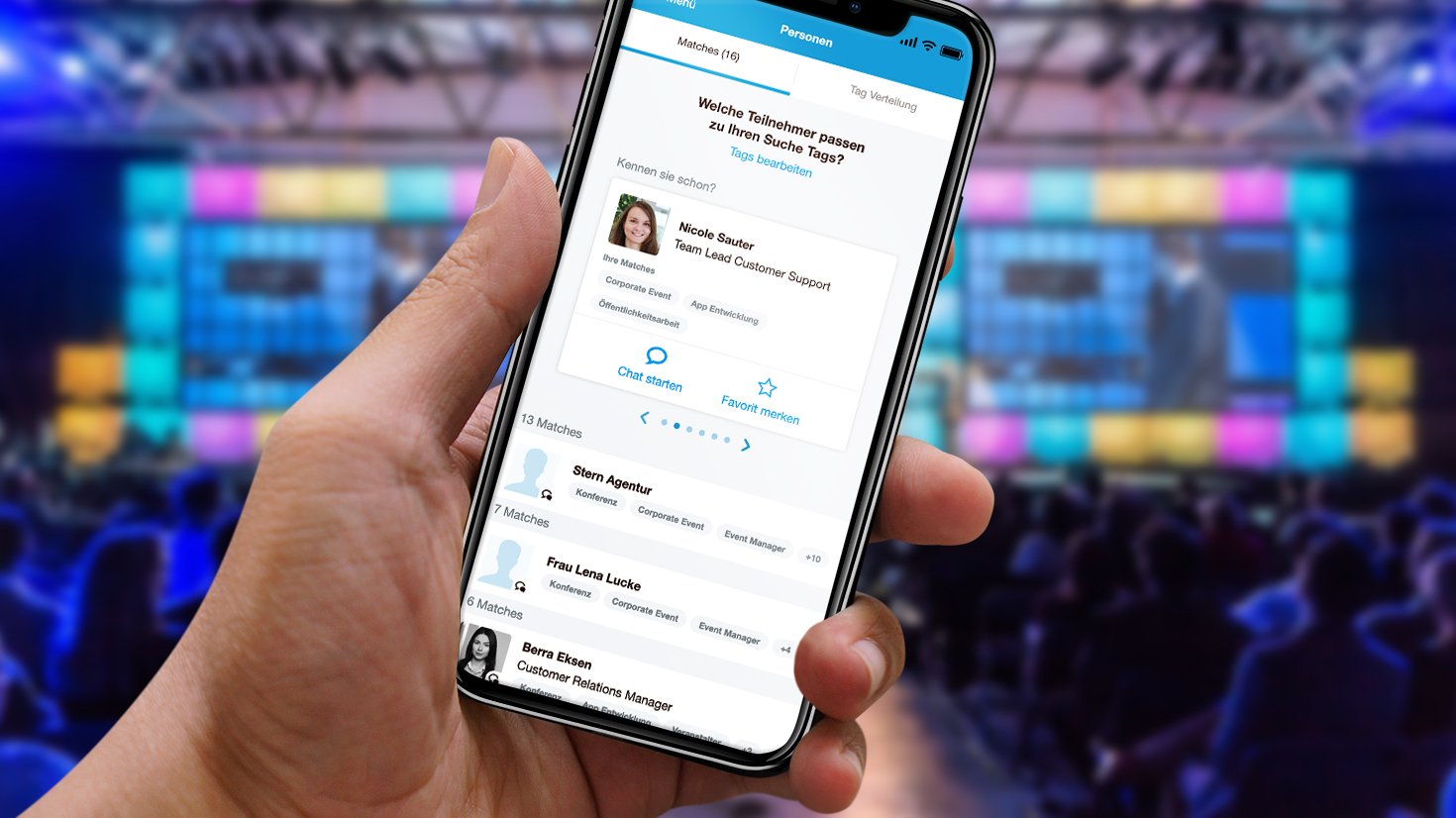
Networking apps let attendees find and chat with the right people instantly. It’s like speed-dating for business, cutting through the noise of a Dallas expo to spark meaningful conversations.
Choose the Right App
Not all apps are created equal. Pick one that fits your conference’s vibe—think Whova for Austin’s SXSW-style events or Bizzabo for a polished San Antonio summit. Look for features like attendee profiles, messaging, and scheduling. It’s like picking the perfect pair of boots—style and function matter.
Match Features to Goals
Want to drive lead generation at a Houston energy conference? Choose an app with CRM integration. For a Fort Worth creative summit, prioritize social features like group chats. It’s like tailoring a playlist to the crowd’s mood.
Promote Early Adoption
Get attendees on board before they step foot in El Paso. Send pre-event emails with app download links and quick tutorials. Highlight perks like exclusive sessions or VIP meetups. It’s like hyping a concert so fans show up ready to sing along.
Incentivize Sign-Ups
Offer swag or raffle entries for early app users at your Corpus Christi event. A little nudge goes a long way, like a free appetizer that gets diners to try a new spot.
Simplify Onboarding
Nobody wants a clunky app experience. Ensure the app’s interface is intuitive, with clear setup steps for profiles—think name, role, and interests. At an Austin tech conference, a smooth onboarding feels like slipping into a favorite pair of jeans.
Provide Support
Set up help desks or QR codes at your San Antonio venue for app assistance. Staff can guide attendees through setup, like friendly bartenders pouring a perfect first drink.
Encourage Profile Completion
A half-empty profile is like a weak handshake. Prompt attendees to add photos, bios, and goals via in-app nudges or pre-event emails. For a Dallas corporate event, full profiles spark better matches, like a dating app with all the good details.
Highlight Benefits
Explain how profiles help—like finding a mentor at a Fort Worth startup summit. It’s like telling folks why a good LinkedIn headshot matters: first impressions count.
Facilitate Targeted Connections
Use the app’s matchmaking features to connect attendees with shared interests. At a Houston oil and gas expo, execs can find engineers or investors with a tap. It’s like a digital Rolodex that knows exactly who you need to meet.
Curate Suggested Matches
Push recommendations based on attendee data—job roles or session sign-ups. It’s like a savvy host at an El Paso gala introducing you to your next big contact.
Integrate with the Event Schedule
Link the app to your Austin conference agenda so attendees can RSVP for sessions or book meetings. Real-time updates on room changes or speakers keep everyone in the loop, like a live traffic app dodging roadblocks.
Enable In-App Networking
Let attendees schedule coffee chats or join discussion groups within the app. For a San Antonio leadership summit, it’s like opening a virtual lounge where deals get made.
Measure Engagement
Track app usage—messages sent, meetings booked, or profiles viewed—to gauge success. At a Corpus Christi trade show, high engagement means your networking app is the MVP, like a quarterback racking up touchdowns.
Gather Feedback
Use in-app polls or post-event surveys to ask what worked. Did the app spark new partnerships at your Dallas event? It’s like checking the pulse to keep improving.
Conclusion
Integrating a networking app into your Texas conference is like adding a turbo engine to a pickup truck—it supercharges connections and drives results. From choosing the right app to promoting its use, every step builds a seamless experience that attendees will rave about. Whether you’re hosting in Austin’s electric vibe or Houston’s corporate buzz, a well-executed app can make your event the talk of the Lone Star State. So, saddle up, pick your app, and get ready to connect like never before.
FAQ: How Do I Pick the Best Networking App for My Event?
Look for apps with strong matchmaking, messaging, and schedule integration. Compare Whova, Bizzabo, or EventMobi based on your Austin summit’s size and goals, like test-driving cars before buying.
FAQ: What If Attendees Don’t Use the App?
Promote it early with incentives and make onboarding easy. At a Houston expo, demo the app at check-in, like handing out a party favor everyone wants to try.
FAQ: Can Small Conferences Benefit from Networking Apps?
You bet! A 50-person Fort Worth workshop can use apps like Grip to spark connections, like a cozy campfire that still warms the whole group.
FAQ: How Much Do Networking Apps Cost?
Costs vary—some apps charge per user, others per event, ranging from $500 to $10,000 for a Dallas conference. Get quotes early, like budgeting for a big barbecue.
FAQ: How Do I Ensure Data Privacy in the App?
Choose apps with encryption and GDPR compliance. Let attendees control profile visibility at your San Antonio summit, like locking a diary to keep it safe.